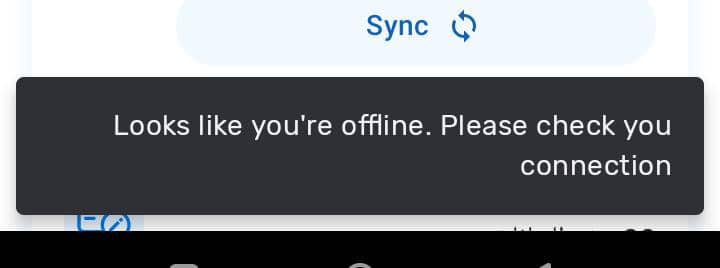
When pressing sync, this error appears: Looks like you’re offline. Please check your connection. I am sure there is good internet in my phone.
1 Like
Please see if you can get any errors. Android Troubleshooting (technical guide)
1 Like
Are you able to connect to the server using the web browser?
Thanks!
Yes
@Gassim any update please
What is clear is that the app is not able to connect to the server but it’s not clear why it’s not able to connect to the server. Sorry if my question wasn’t clear, are able to access the server using the mobile web browser on the same phone that you are using the Android app?
Additionally, using the Android app, are you able to access other instances such as the play.dhis2.org instances? (try to login using android/Android123).
Which version of DHIS2 is your instance and what is the version of the app?
If you are able to access the play instances this means that the app is connecting successfully, and that your server needs some configuration which means you will need to check if there are any settings that are not allowing the app to connect.
For example, is the “DHIS2 version validation” check activated in the Android Settings Web app?
Another thing to check is that in the Global Sync settings, New Tracker Importer and New Tracker Exporter should be used as the default option if you are in 2.40 or higher.

Another thing to test is change the user and check that this user can sync using the ‘User sync test’ in the Android Settings Web app.
These are some points, however, please check the troubleshooting guide above to see if you could provide more debugging details.
Thanks!