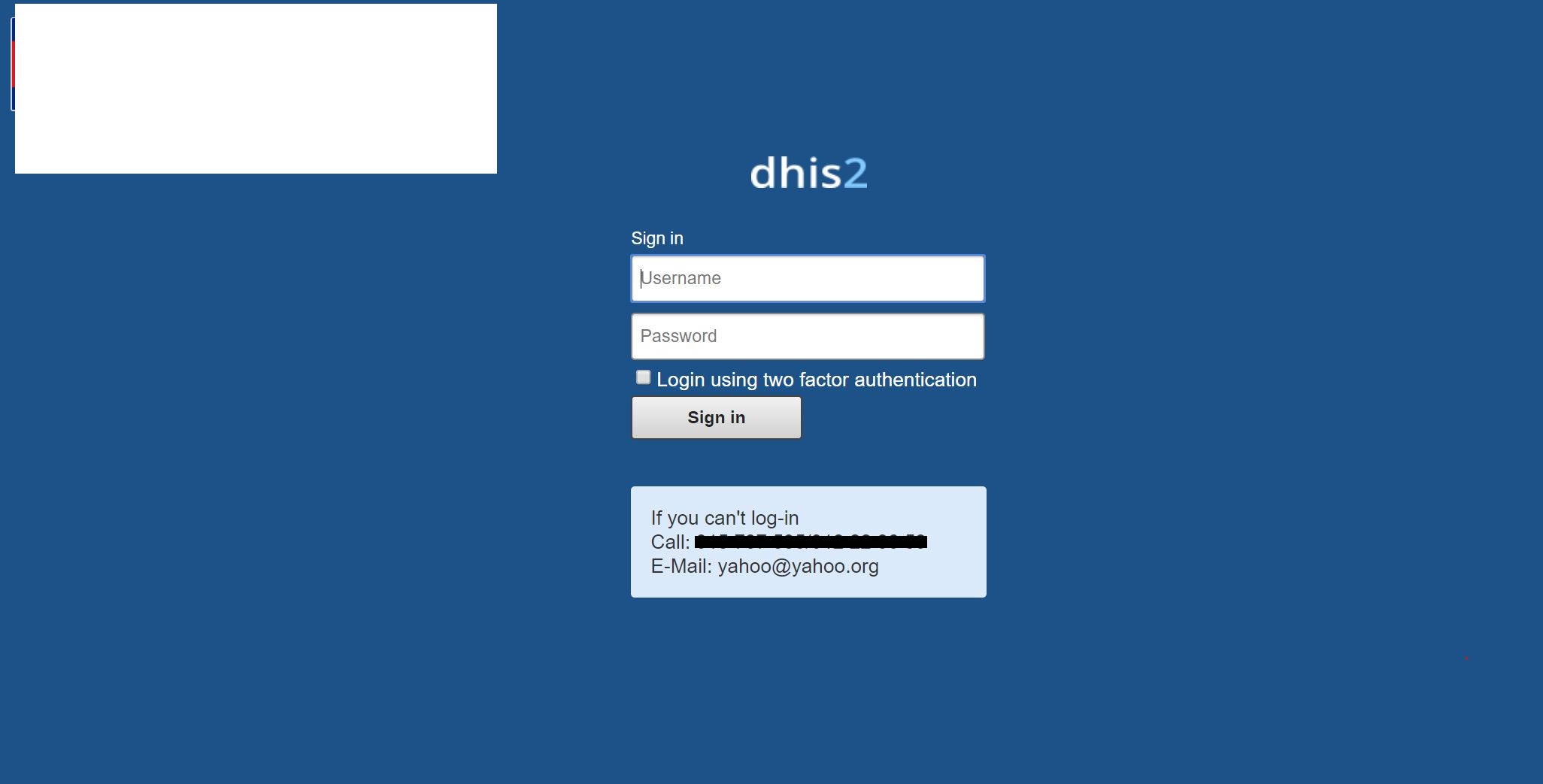
Click “forgot” password
Enter your username
Click recover
If you don’t receive any email, please contact the dhis2 administrator of your organization
Click “forgot” password
Enter your username
Click recover
If you don’t receive any email, please contact the dhis2 administrator of your organization
Dear Pamod
Only show create an account?, I want to show “forgot password” link on the front page.
How can show it?
Thanks!
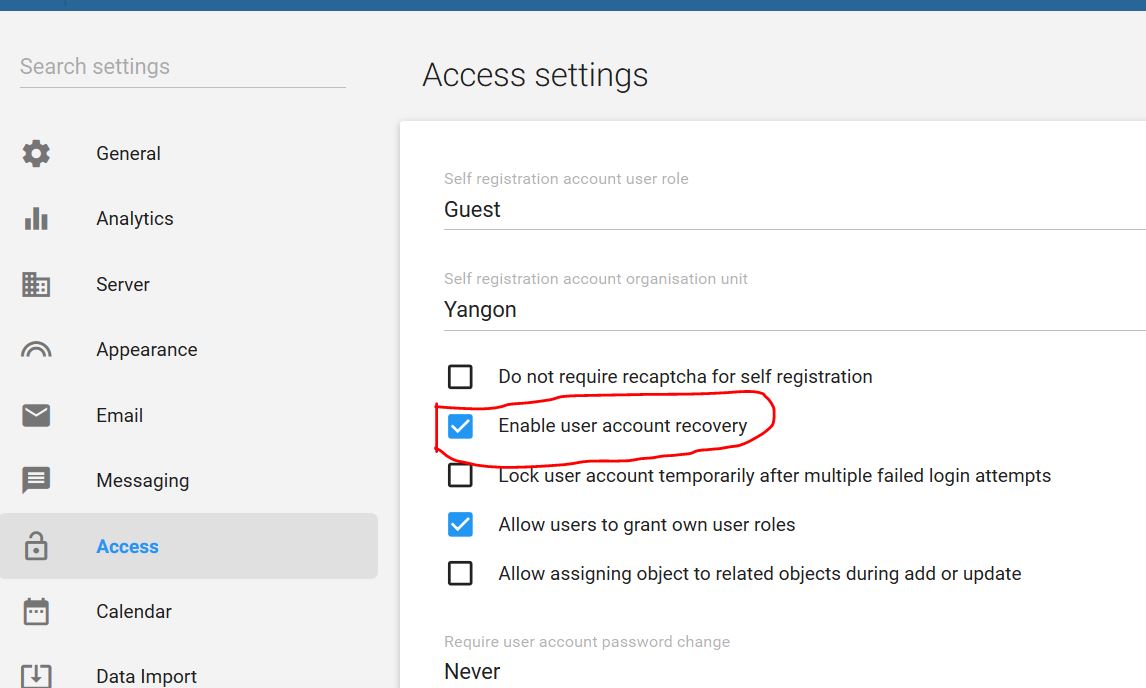
You’ll have to talk to your Admin to navigate to the System Settings App

and navigate to Access tab, then check the enable user account recovery checkbox.
Hope this helps.
hello,
I am sorry reply late. I did it from system settings . it still can’t show “forgot password” link, how can I procceed it. only show create account link.
version: 2.41.4
Thanks!
Hi @Thin_Zar
Please try to open the instance in the Guest mode of your browser to double check that this is not a cache issue. If you can see the link then please clear your browser’s cache using “CTRL+SHIFT+R”.