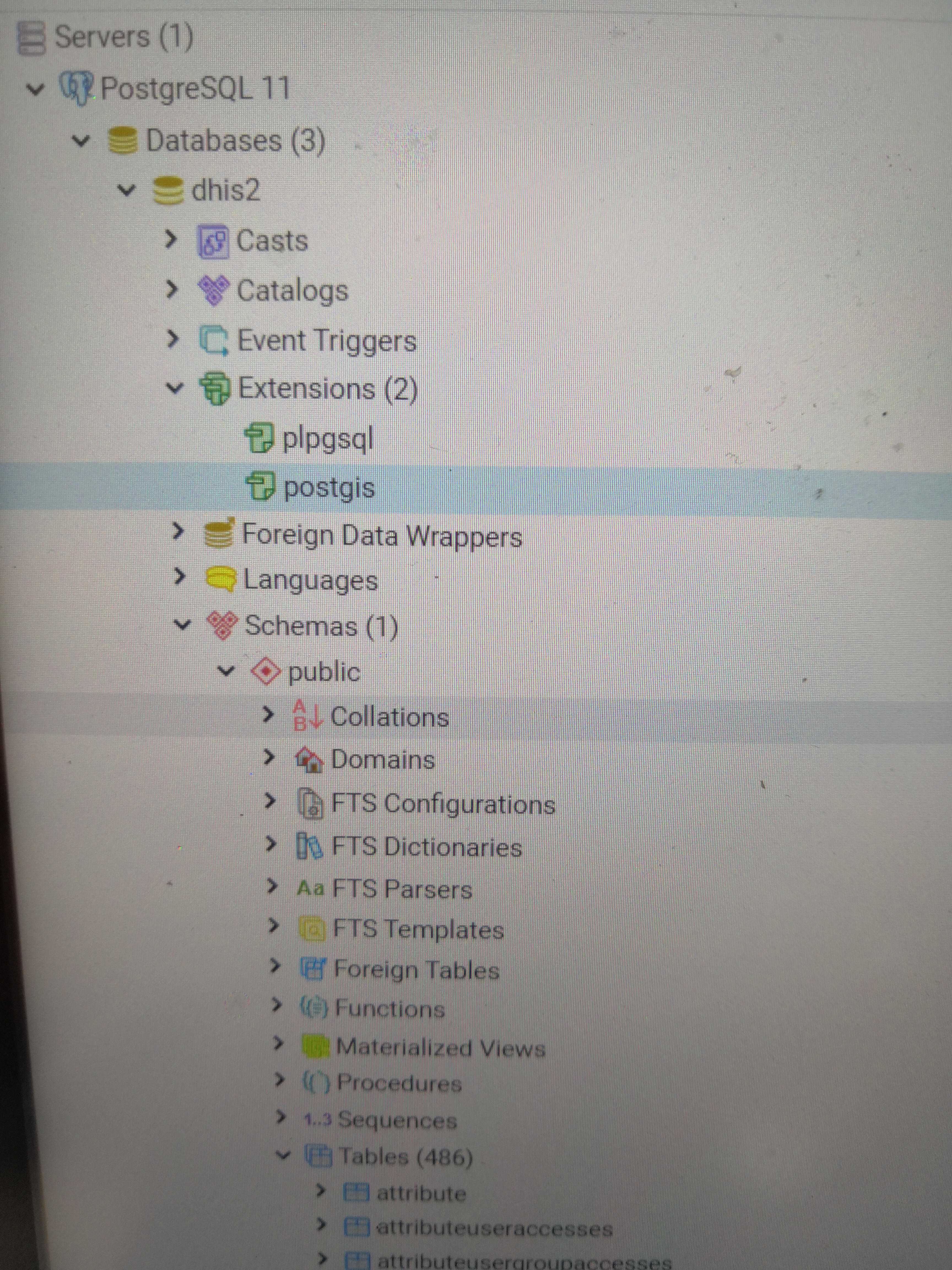
I’m trying to load the sample database 2.29 over 2.29 dhis2 database. But its giving me lot of errors and i dont think anything is been stored in the database.
Hey Rahul @usfreak13 ,
Which postgres version are you trying to load? What is your server OS (windows/ubuntu)? What is error are you getting during load? Please provide me these information. if you already fixed it out then congratulations :-).
Im using Postgre 10.7 and on windows 10 and trying to upload database for dhis2 2.30. Error is the invalid command /n on the cmd after i run the psql command to load the database.
I guess the error is because of the Postgis extension which is required for 2.30 version and above.
Let me try on the same and if successful will update.
Hi there guys,
I have same problem. I’ve downloaded sierra-leons’ sample data. PG11, Tomcat 9, DHIS 2.34.
psql:dhis2-db-sierra-leone.sql:321750: invalid command \N
Hi @Ulanbek
as @sohel solved it, try downgrading postgres 11 to postgres 10, that has solved the problem for him, it might solve yours too. , update us if it doesn’t solve the problem
Thanks Hamza. I will try, although it is strange instead of upgrading we are downgrading servers’ version.
Maybe somebody have the sierra-leon sample data for pg11?
Thanks
Yes Jaime, I installed it by following the instructions. And I am using Windows 10pro, installed locally. Main intention is to understand how it works and to learn how to create registry for the local community.
I think after I will seek the answer how to complete those tasks
 , update us if it doesn’t solve the problem