After upgrading to DHIS2 version 2.40, we observed an issue during data entry in the Capture app. When a user selects “Save and add new,” the Organisation Unit field on the new data entry form is cleared, instead of retaining the previously selected organisation unit. Is this a bug and if yes how do we fix it.
Hi @Collin.Dosunmu !
Welcome back! 
Please make sure to use the latest version of the Capture app, and to ensure there isn’t any cache issue, test again in your browser’s Guest mode.
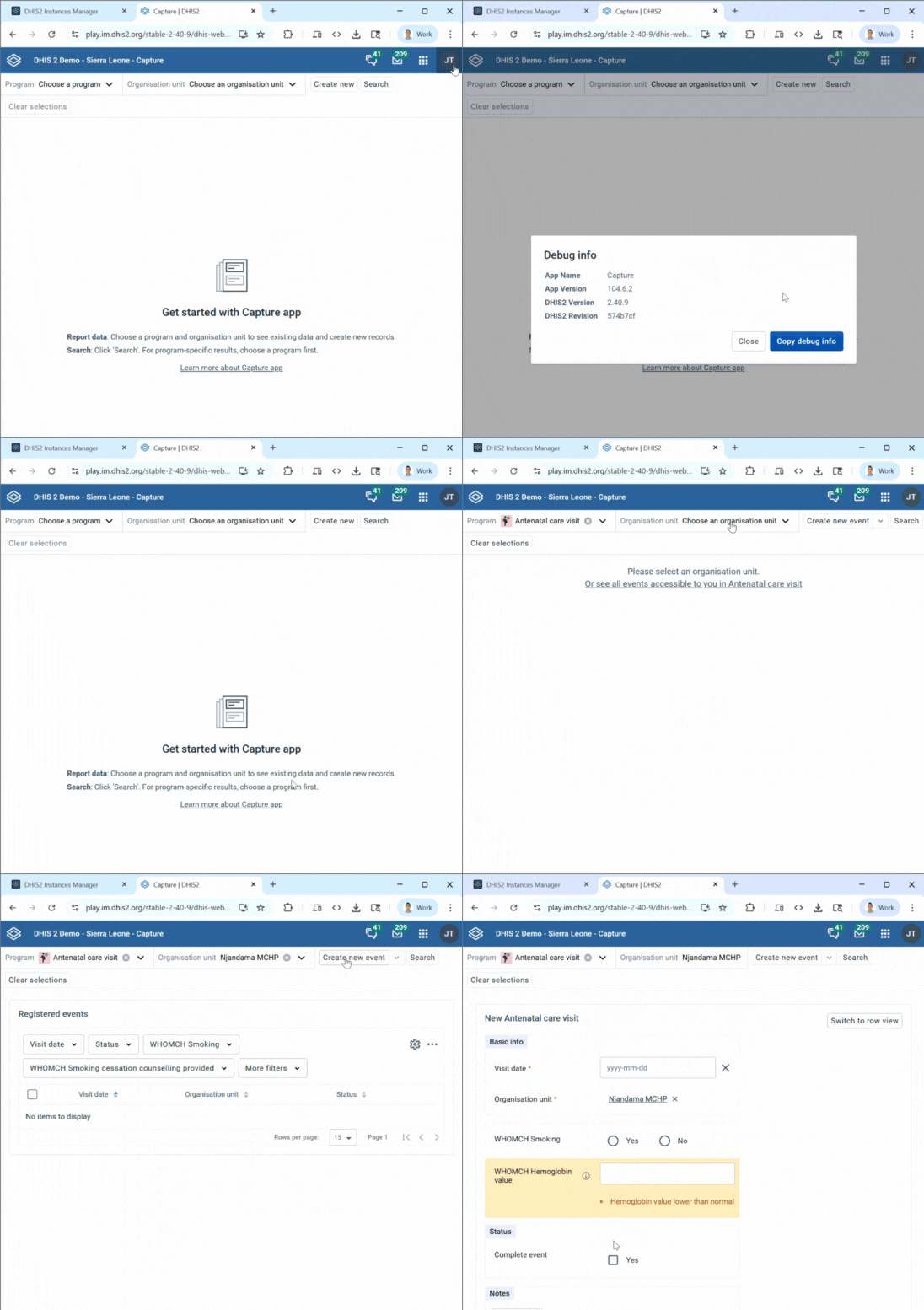
I couldn’t reproduce this issue in the updated version (currently 104.6.2), but if you can reproduce this issue please share a recording or steps, thanks!
Hi AL-Gassim.
Thank you for looking into this matter and yes we finally updated to version 2.40 and we can now see the data for this year.
I had made a video but it is more than one minute long so I went on the demo site and tried if i could duplicate the problem and the problem was duplicated. If you enter data and click save and add another, when you get the new data entry screen, the org unit that was selected previously is not selected.
In my instance, i have a program rule checking for blank fields and this comes as an error as the org unit is not selected.
If it’s possible to share the video even if as a Google Drive attachment to gassim @ dhis2.org? I tried to create a new event and then add another but the OU remains selected. Thanks!
Hi @Collin.Dosunmu,
I was able to reproduce the behavior you are mentioning I believe, please have a look at this video:
I’ll create a JIRA for it and post it here so you can follow the progress.
Best,
Karoline
DHIS2 Product Manager
@Collin.Dosunmu Follow the JIRA issue here, @henrikmv is having a look at it.
Thanks @Karoline . I will follow up.