Hey Hi,
This is the msg which i get when i try to create the Postgis.
C:\Program Files\PostgreSQL\10\bin>psql -d dhis2 --username=dhis -c “CREATE EXTENSION postgis”
Password for user dhis:
ERROR: could not open extension control file “C:/Program Files/PostgreSQL/10/share/extension/postgis.control”: No such file or directory
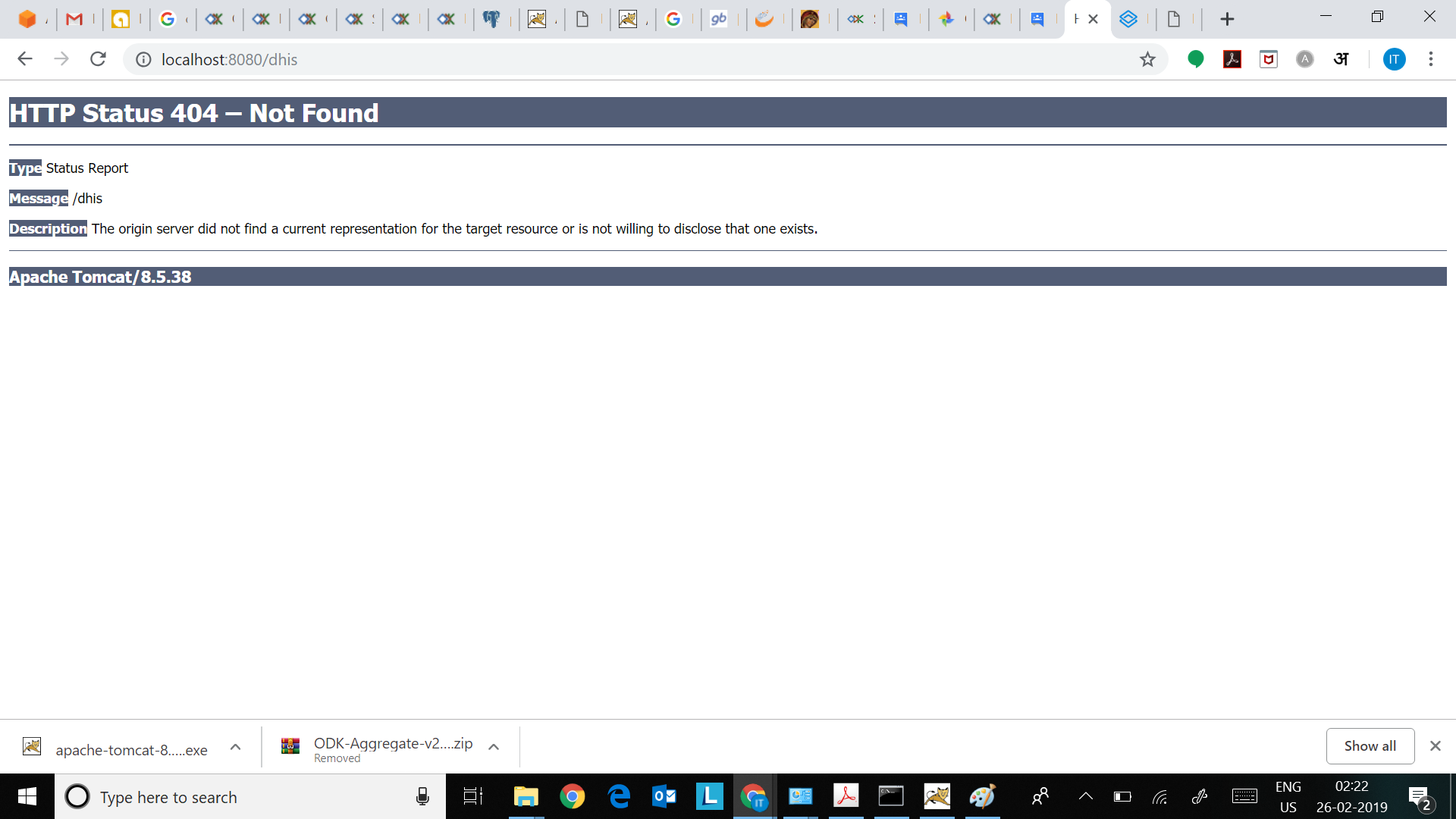
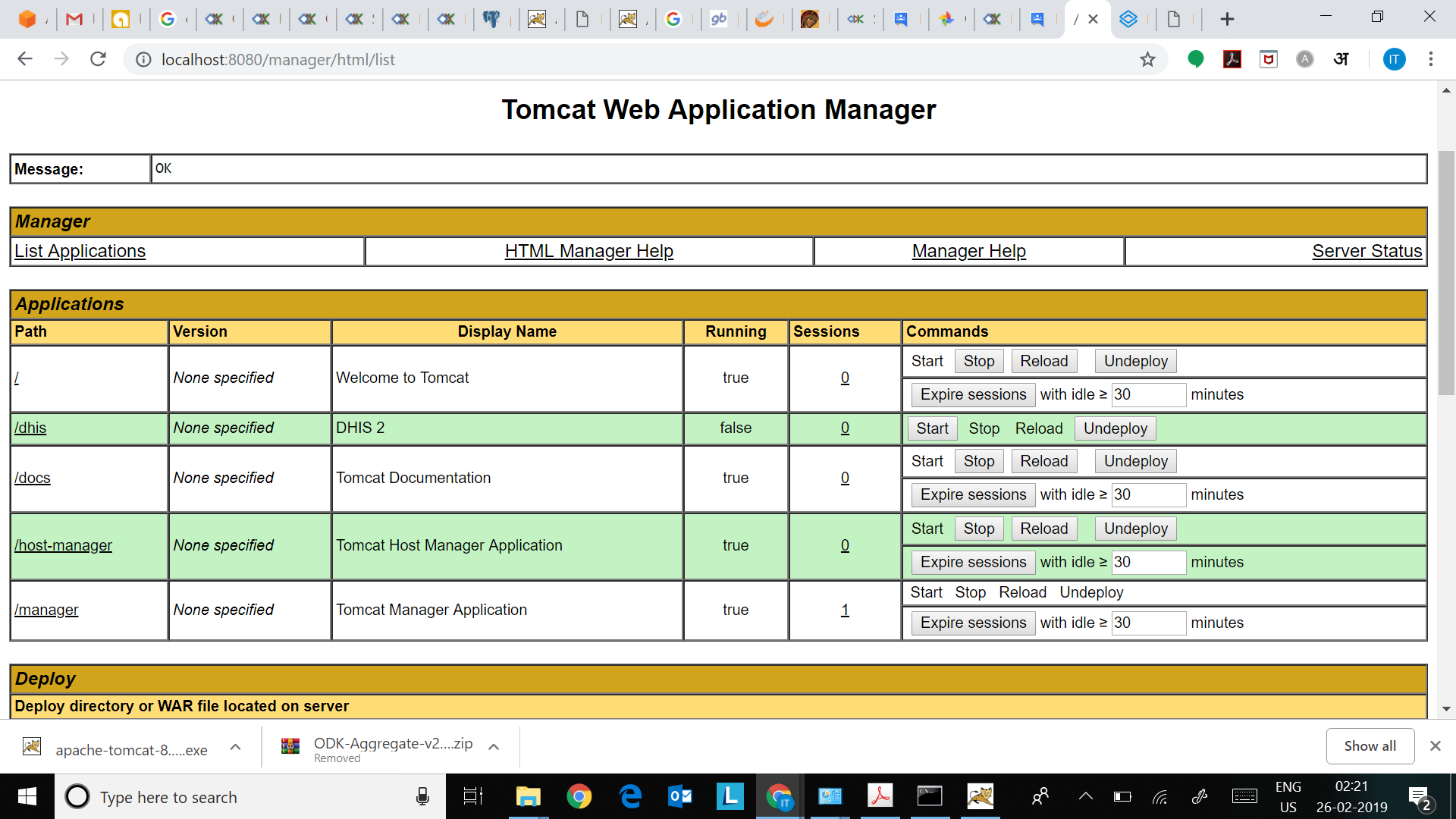
Also there is no port conflict and my localhost:8080 opens tomcat main page too. Im attached the catalina logs at the time of deploying the dhis.war & also the screenshot of the tomcat page.
Please look into the same and let know if anything is going wrong somewhere.
Thanks in advance.
CATALINA LOG is as attachedCatalina log.txt (30.6 KB)
I hope this would help understand the problem and resolve the same.
I understand that the problem is with the Tomcat Server only which is not letting the .war files load properly.