Hi community,
We are frequently experiencing NGINX server “504 Gateway Timeout” error when accessing the DHIS2 instance. We are looking for troubleshooting techniques and how we can solve the problem quickly and easily.
Thanks
Hi community,
We are frequently experiencing NGINX server “504 Gateway Timeout” error when accessing the DHIS2 instance. We are looking for troubleshooting techniques and how we can solve the problem quickly and easily.
Thanks
Would you please share the entire Catalina.out log (without sensitive/authentication) information?
Thank you!
Hi @Gassim,
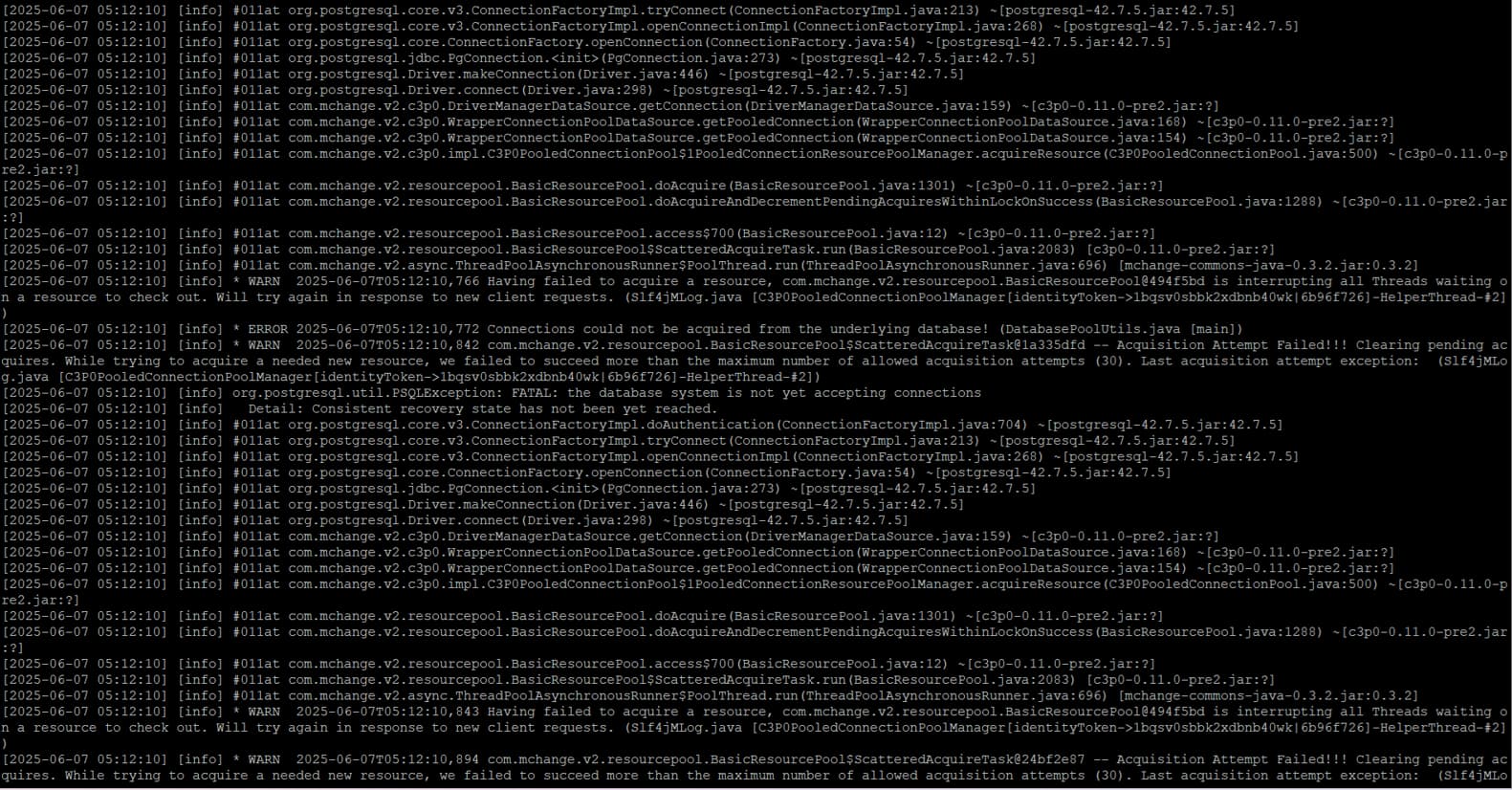
Below is a part of the catalina.out log. Sorry, I had difficulty printing the entire log. Any hints on how to do it?
Thanks
It seems that there’s an issue connecting to your PostgreSQL database. If you select all the text in the log, copy it to a text document and then remove ‘passwords/usernames/ip-addresses…etc’ you then can share it here and I’ll see if there’s more info.
I recommend reviewing the database configuration in your instance as well as making sure there’s no conflict in the software versions.
Would agree with @Gassim that at least one problem is the lack of data base connections. I am not sure what type of machine you are running on and thus what your constraints are, but I can reccomend to try the “hikari” database pool type, which seems to be a bit better about keeping the connection pool smaller.
In your dhis.conf file, try these changes:
connection.pool.max_size = 100
db.pool.type = hikari
Restart your DHIS2 and see how things go. You may need to enable the metrics or use other monitoring tools like Munin to see how many connections you have open and how they change with usage.
Best regards,
Jason
I don’t think this log snippet suggests anything wrong with the pool or pool size. Please check your postgres logs. The exception is referring to postgresql not being in a consistent state. So something is very wrong on the postgres side. The logs will tell you.
(Do try hikari, but sort this out first)