Hi!
Do you have a dhis2 instance running locally at 8080 or with some other port?
You can find instructions to do so here: How to spin up a DHIS2 local instance | DHIS2 Developer Portal. Getting it to work might be a little harder with WSL though from experience.
An alternative is to use an online instance you might have access to, Login app | DHIS2 for instance. You start your app with:
yarn start --proxy https://play.im.dhis2.org/stable-2-42-1
You should be able to note in the console the following new lines:
Starting proxy server...
The proxy for https://play.im.dhis2.org/stable-2-42-1 is now available on port 8080
Now you should be able to connect via the proxy:
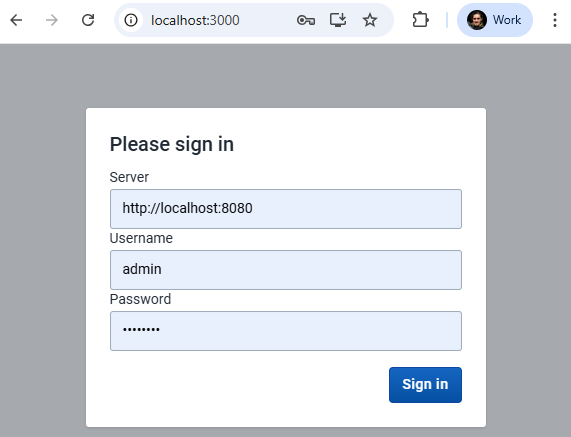
You want to make sure the instance you connect to (local or online) has the correct CORS allow list as indicated in the topic shared by Vishwanideep Kumar (How can I connect to a live DHIS2 instance from a localhost custom app).
I hope that’s helpful,
Bruno